
This document provides instructions and settings for using the Gigaset A16 series digital cordless phone system.
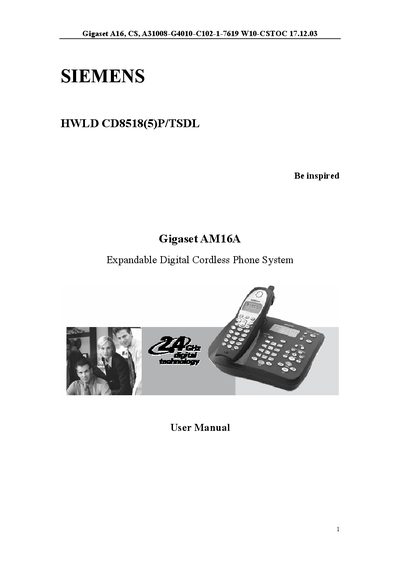
This user manual covers the Siemens Gigaset AM16A expandable digital cordless phone system, including the base and handset. It describes the pack contents, installation steps, product layout, and LCD indicators for both the handset and base.
The manual explains telephone setup, handset registration and de-registration, basic call operations, phonebook and VIP/SOS settings, intercom and call transfer, three-party conference, and using the answering machine.
| Supported handsets | 1~4 handsets |
|---|---|
| Ringer volume selections | high, medium, low, or off |
| Ringer tone selections | five ring tone selections |
| Answering machine message length | no longer than 2 minutes |
| Initial battery charge time | at least 16 hours |
The base and handset of A16 or AM16A can support 1~4 handsets.
The batteries should be charged for at least 16 hours before use.
Press the On/Off key once to activate or deactivate the answering machine.
Set the ringer tone to “ON” according to the Ring switch section.