
This manual contains information on the OP3 operator panel, including its installation, commissioning, operation, etc., to help users use the product safely and correctly.
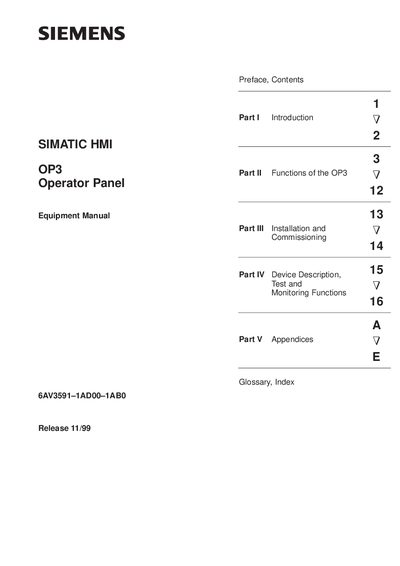
This manual supplies operators, fitters, configurators and system support engineers with detailed information on the functionality and technical design of the Siemens OP3 operator panel. It covers an overview of the panel, step‑by‑step operating instructions, mechanical and electrical installation, and commissioning procedures.
Additional sections describe the device dimensions, connection elements, test and monitoring functions, and include appendices with standard screen descriptions, system messages, technical data, ESD guidelines and reference documentation.
| Front panel dimensions (W×H×D) | 148 mm × 76 mm × 27 mm |
|---|---|
| Mounting cutout (W×H) | 138 mm × 68 mm (DIN 43700) |
| Weight | 0.22 kg |
| Processor type | 80C32 (Intel) |
| Clock frequency | 10.5 MHz |
| Flash memory (configuration data) | 128 KB |
| SRAM working memory | 128 KB |
| EPROM firmware | 512 KB |
| Display type | STN display with LED background illumination |
| Number of display lines | 2 |
| Characters per line | 20 |
| Keyboard type | Membrane keyboard |
| Number of system keys | 18 |
| Protection rating (front/rear) | IP65 / IP20 |
The OP3 uses an 80C32 (Intel) processor.
The membrane keyboard provides 18 system keys.
The front panel is rated IP65, while the rear is IP20.
It features an STN display with LED background illumination.