
This document provides a quick start guide for the Philips AJL308 clock radio, including instructions for connecting the power, setting the time and date, setting/activating the alarm, disabling the alarm, and using the tuner.
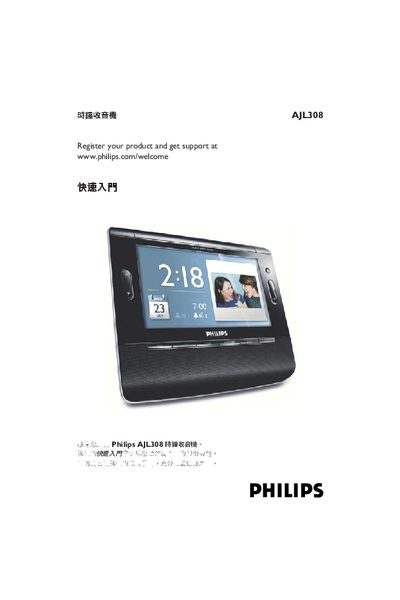
This manual explains how to power the AJL308 clock radio, set the time and date, and configure alarms. It also covers the tuner auto‑program feature and brightness control.
Key sections include power connection, time/date setting, alarm and brightness adjustments, and programming up to 20 preset radio stations. The guide uses step‑by‑step menu navigation with OK confirmations. This manual is written in Chinese.
| Power Supply | 9 V DC |
|---|---|
| Preset Stations | 20 |
| Alarms | 2 |
Press MENU, select Clock, then choose Time Set and Date, and confirm each step with OK.
From the menu, select Alarm 1 or Alarm 2, set the hour and minute, and confirm with OK.
The tuner can store up to 20 preset stations.
Enter the Tuner Auto Program menu and follow the prompts to save stations.