
This quick start guide introduces how to set up and use MCD703 player. Including connect to TV, set clock, play disc etc.
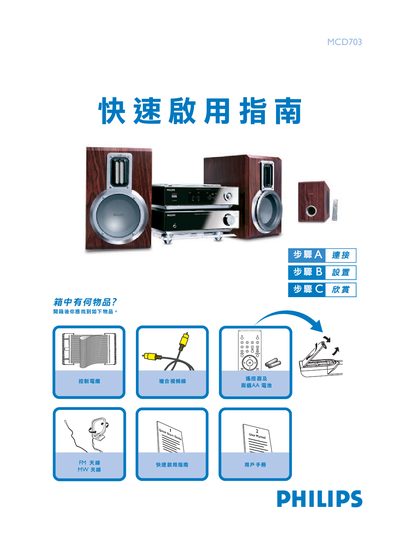
This guide provides the items included in the box and the steps needed to set up the Philips MCD703 DVD player. It shows how to connect the player to a television, select the correct video input, and prepare the disc for playback.
It also details how to open and close the disc tray, insert a disc with the label side up, and operate the PLAY/PAUSE, STOP, and SOURCE buttons for basic media control. Safety notes and additional functions are referenced for further reading in the full user manual. This manual is written in Chinese.
| Battery type | AA (two batteries) |
|---|