
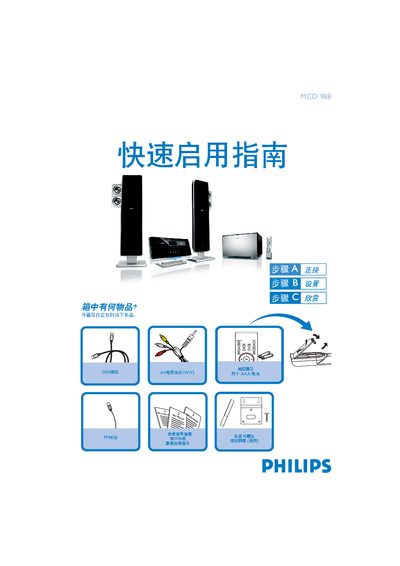
This guide provides step‑by‑step instructions for getting the Philips MCD 988 DVD player up and running. It includes a wall‑mounting overview, a list of supplied accessories, and basic connection diagrams for TV, speakers, FM antenna, and power.
Further sections explain how to set the clock, adjust DVD menu options, use the remote for playback, and program radio stations. Helpful tips point to the full user manual for advanced settings such as progressive scan and audio configuration. This manual is written in Chinese.
In standby mode, hold the CLOCK/RDS button on the remote, then use the VOL+/- buttons to adjust hours and minutes, confirming each with the CLOCK/RDS button.
Press the DISC 1 or DISC 2 button on the remote to open the tray, insert a disc, then press the same button again to close the tray and playback will begin automatically.
Hold the PROGRAM key on the remote for more than two seconds, then use the 1/2 keys to step through bands until the desired stations are displayed.