
This document provides the quick start guide for MCD 705, including user manual, quick start guide, and various connection and setup steps.
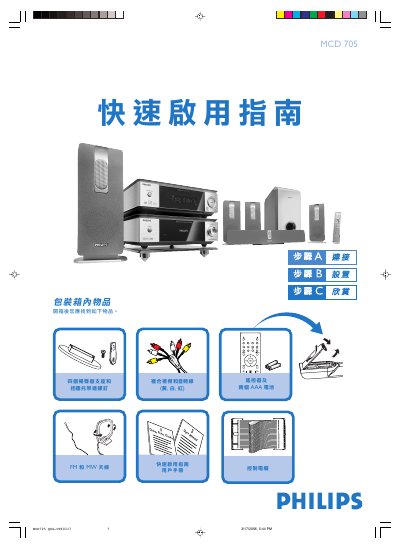
The guide walks you through unpacking the MCD705, locating all items in the box, and connecting the four speaker drivers, front, rear and centre speakers, as well as the wall‑mount bracket and antenna cables. It also shows how to hook up the composite video/audio cable to a TV, connect the power cord to AC mains, and select the correct video input on the television.\n\nAdditional sections cover setting the clock using the remote, configuring DVD menu options, playing a disc, and programming FM/MW radio stations. Tips for disabling progressive scan on incompatible TVs are also included. This manual is written in Chinese.
| Power source | AC mains |
|---|
Connect the four speaker drivers to the corresponding speaker terminals and secure the wall‑mount bracket with the supplied screws.
Select the TUNER source, press and hold the PROG button for more than two seconds, then use the PRESET +/- keys to tune and store stations.