
IP Power 9268 / 9268SE is a product that is applicable to power distribution units (PDU) and remote power control (RPC) systems. It can be used to control 4 sets of devices remotely via a web browser (IE), allowing you to monitor and remotely control the required devices even if you are far away
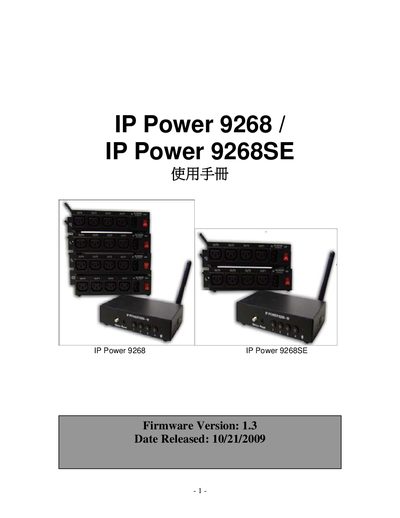
This manual covers the IP Power 9268/9268SE power controller, including a product overview, hardware dimensions, power specifications, and supported RF frequencies. It also describes the web interface features such as TCP/IP, HTTP API, and DDNS.
Operational guidance includes step‑by‑step instructions for changing the admin password, performing firmware updates, and reviewing the system log. A short FAQ section answers common questions about these procedures.
| Dimensions (root) | 75 x 120 x 25 mm |
|---|---|
| Weight | 263.3 g |
| Power Input | 90-240 VAC |
| RF Frequency | 433/315 MHz |
Open the Change Password page, enter the old password, then type and confirm the new password before submitting.
Start the Firmware Update process, wait for the confirmation page, select the correct firmware file, click the upgrade button and the device will reboot automatically.
Navigate to the System Log section; it lists timestamps of admin logins and other events.