
This manual introduces the hardware description and quick installation/usage of IP Cam/IP Cam(w), including major hardware components, quick installation and usage, wireless connection, web configurations, features and specifications, etc.
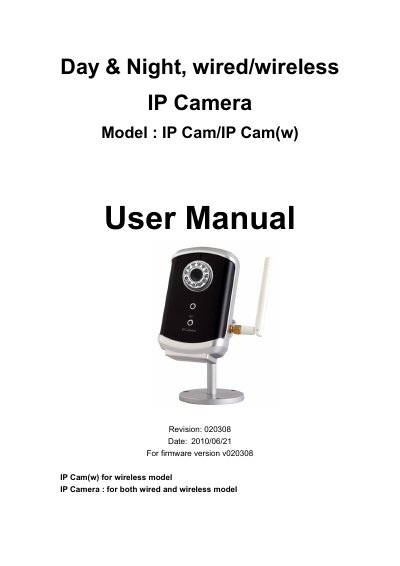
The IP Cam/IP Cam(w) is a day‑and‑night IP camera that supports both wired Ethernet and wireless 802.11b/g connections. It offers plug‑and‑play setup, built‑in microphone, IR LEDs for night vision, and a web interface for remote access.
The manual covers hardware description, quick installation, wireless setup, web configuration, video settings, night‑mode control, alarm functions, NAS storage, scheduling, firmware upgrade, and troubleshooting. Appendices list tested routers, maximum video users, performance data, and integration details.
| Power | DC 5V, 1A |
|---|---|
| Processor | RISC CPU |
| Network interface | Ethernet 10BaseT/100BaseTX, Auto‑MDIX, RJ‑45 |
| Wireless interface | IEEE 802.11g 6‑54 Mbps, IEEE 802.11b 1‑11 Mbps |
| Image sensor | RGB VGA 1/4 inch CMOS |
| Light sensitivity | 0.2 Lux (LED off), 0 Lux (with IR LEDs) |
| Lens | 4.5 mm, F1.9, 55.6° view, focus 30 cm‑∞ |
| Video compression | MPEG‑4 Part 2 (ISO/IEC 14496‑2) |
| Supported resolutions | 160×120, 320×240, 640×480 |
| Maximum frame rate | Up to 30 fps |
Because the internet bandwidth is not large enough; you should increase the bandwidth from your ISP or lower the camera’s bandwidth settings.
Yes, you can record video/audio with the CamView software or to a NAS device, and playback with the CamPlay software.
Yes, it will use an auto‑IP address (169.254.xxx.xxx) and can be accessed with CamView after about one minute, but other devices cannot see the video.