
This document is the user manual for IP 710 Phone™, providing warnings and notices about telephone security, as well as a disclaimer stating that the company is not liable for damages resulting from unauthorized and/or unlawful use.
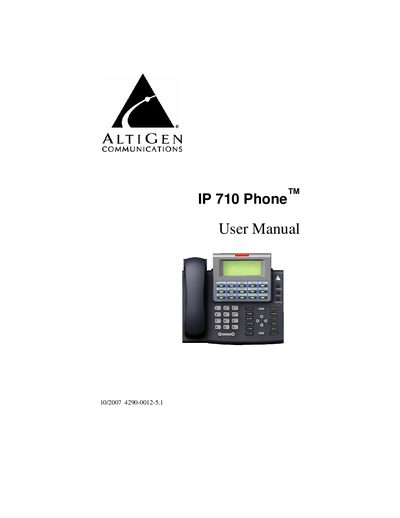
The IP 710 is an IP‑based telephone from AltiGen Communications, designed for enterprise telephony with features such as PoE support, NAT configuration, and customizable ring tones. This manual guides users through hardware identification, basic operation, and advanced network settings.
The guide covers hardware contents, step‑by‑step setup, network and IP configuration, firmware updates, troubleshooting, and warranty information, helping users install, use, and maintain the phone efficiently.
AltiGen Communications warrants its hardware products, including the IP 710 Phone, to be free from defects in material and workmanship during the warranty period.
End users should contact an authorized AltiGen dealer and provide an RMA number, which can be obtained by calling 1‑888‑ALTIGEN (258‑4436) or via the AltiGen Partner Resource Center.