
This manual is the user manual for IP Kamera 9070-CS, which introduces the product features and characteristics, including hardware installation, software installation, web interface and other contents.
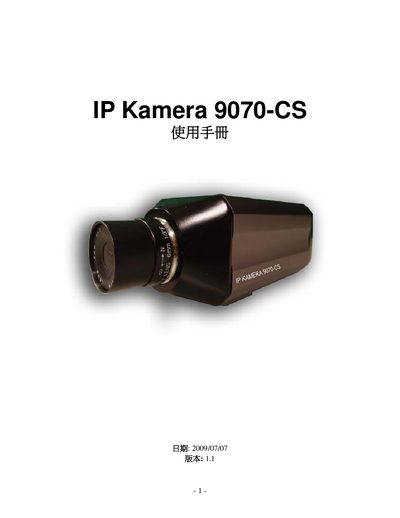
This manual covers the features and functions of the IP Camera 9070‑CS, including lens specifications, image adjustments, motion detection, recording options, and network services. It also includes sections on system settings, event logging, and software integration.
The document guides users through initial installation, network configuration (IP address, subnet mask, gateway), image tuning (brightness, contrast, sharpness), PTZ control, SD‑card recording, and troubleshooting with a FAQ section. Detailed CGI/HTTP commands and service settings are also provided. This manual is written in German.
| Sensor format | 1/3" |
|---|---|
| Focal length | 6 mm |
| Aperture (F‑number) | F1.2 |
| Field angle | 58° |
| Mount type | CS |
| Power input (AC) | 100‑250 VAC, 1 A |
| Power input (DC) | 12 V, 1 A, max 12 W |
| Dimensions | 5.5 cm × 16 cm × ? cm |
The VLC media player can be used to view the video stream.
EPTZ operation supports MPEG4 and M‑JPEG video codecs.