
伟功通信 IP Phone User Manual, introduces how to connect computer, router, broadband, set IP address, dial account
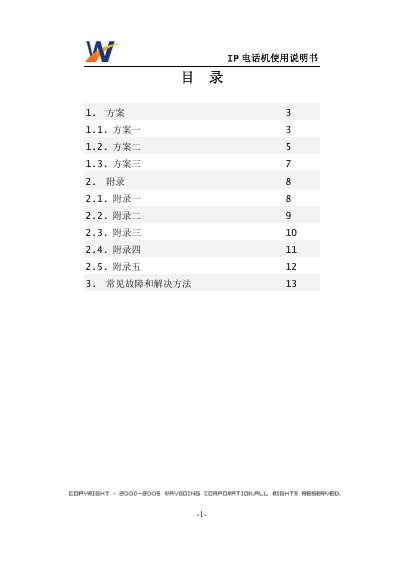
The manual explains three configuration schemes for connecting the IP telephone to a broadband network, including wiring diagrams and required network parameters such as static IP address, subnet mask, and default gateway. Detailed appendices describe how to enable Internet sharing on a PC, set IP addresses on the phone, configure computer network settings, and configure router PPPoE accounts.
A troubleshooting section lists common problems such as no dial tone, blank LCD, call drops, and provides simple checks and solutions. Contact information for Huaheng Technology is also included for further support. This manual is written in Chinese.
| Default static IP address | 192.168.0.10 |
|---|---|
| Subnet mask | 255.255.255.0 |
| Default gateway | 192.168.0.1 |