
This document describes how to use the voice mail feature in the telephone system, including steps for dialing into voice mail and transferring calls directly to voice mail.
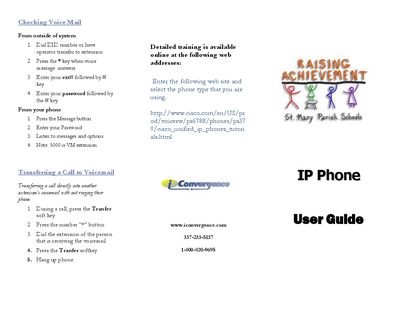
The guide provides step‑by‑step instructions for using voicemail, including how to access the mailbox, set a password, and retrieve messages. It also covers transferring calls to another extension’s voicemail without ringing the phone.
Additional sections describe call handling features such as call forwarding, conference calling, call park, and pickup, with the required soft‑key sequences and dialing procedures for each function.
| Default voicemail extension | 5000 |
|---|---|
| Default password | 369369# |
Press the Message button, then enter your password to listen to messages and options.
Press the CfwdAll soft key, then enter the destination number exactly as you would dial it.
Select the MeetMe soft key, enter the assigned number, and use the Confrn soft key to add participants.
Press the Park soft key to get a random number, then dial that number from any other phone to pick the call back up.