
This document is a manual for watch 3136 1 MA0804-CkA. The watch display screen has two display modes: white background with black text and black background with white text. It provides various functions such as timer, world time, alarm, stopwatch, and countdown timer. This manual explains the operation and setting procedures for each function, including setting the time and date, setting daylight saving time, and selecting city codes. In addition, it provides information on the use of the illumination feature.
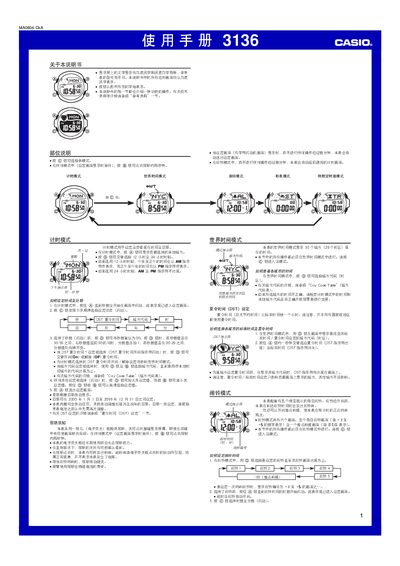
This manual provides step‑by‑step instructions for the Casio 3136 1MA0804‑CkA wristwatch. It covers the basic time‑keeping mode, world‑time mode, alarm mode, stopwatch mode, and countdown‑timer mode, as well as illumination and button‑sound settings.
Each function is described with the button sequence required to enter the setting screen, adjust values, and exit. The watch includes an EL backlight, automatic calendar (2000‑01‑01 to 2099‑12‑31), five independent daily alarms plus an hourly chime, and a stopwatch that measures up to 23 h 59 min 59.99 s. This manual is written in Chinese.
| Display type | EL (electronic fluorescent) panel |
|---|---|
| Automatic calendar range | 2000‑01‑01 to 2099‑12‑31 |
| Number of daily alarms | Five independent daily alarms plus hourly chime |
| Stopwatch maximum time | 23 h 59 min 59.99 s |
| Countdown timer range | 1 min to 24 h |
In time‑keeping mode, hold the A button until the seconds flash to enter the setting screen, then use the C button to select the item (time, date, DST, etc.) and adjust with D or B.
The watch provides five independent daily alarms plus an hourly chime. In alarm mode, select an alarm and press A to turn it on or off.