
This manual introduces basic operations for au Prismoid phone.
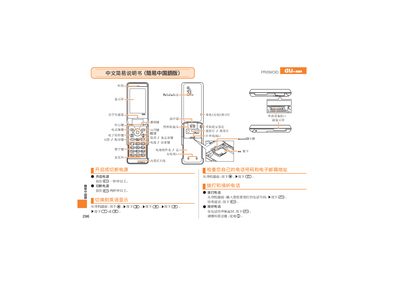
This short manual provides step‑by‑step instructions for powering on the PRISMOID, making calls, managing contacts, and using the camera functions. It is written in simplified Chinese for easy reference.
Additional sections explain how to set silent mode, record voice memos, and switch between photo and animation modes, with clear button‑press sequences for each task. This manual is written in Chinese.
Press and hold the power button for more than two seconds.
From the standby screen, press the call button.
From the standby screen, press and hold the (G) key for more than one second, then follow the prompts.
From the standby screen, press and hold the voice memo key for more than one second; repeat to cancel.