
This manual describes the features and operation of the Dinion IP NWC-495-10P and NWC-495-20P network cameras.
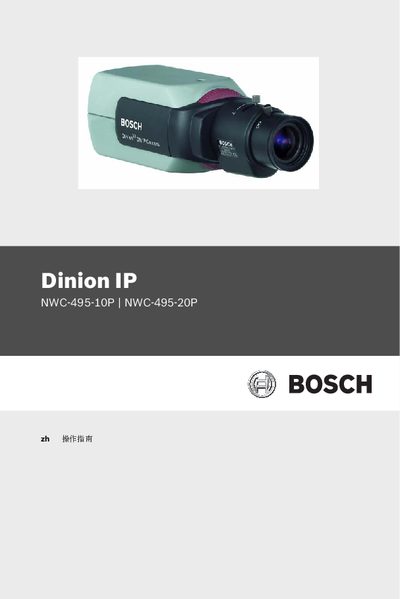
The manual provides step‑by‑step guidance for configuring Dinion IP cameras, including general settings such as camera identification, password protection, language selection, and date/time configuration. It also details network features like iSCSI settings, recording options, and alarm configuration.
Additional sections cover encoder and camera settings, display options, service functions, and troubleshooting tests, enabling users to fully customize and maintain the NWC‑495 series devices.
Use the Password protection setting under General Settings (section 7.2.2).
Enter the desired address in the iSCSI IP address field under iSCSI Settings (section 7.7.1).
Enable the Motiondetector option in Service Settings (section 7.12.3).