
This manual introduces the features and design of the LV-S4 multimedia projector, including the appearance, compatibility, simple computer system setup, auto PC adjustment, blackboard function, digital zoom (for computer), film function, multi-language menu display, keystone correction, etc.
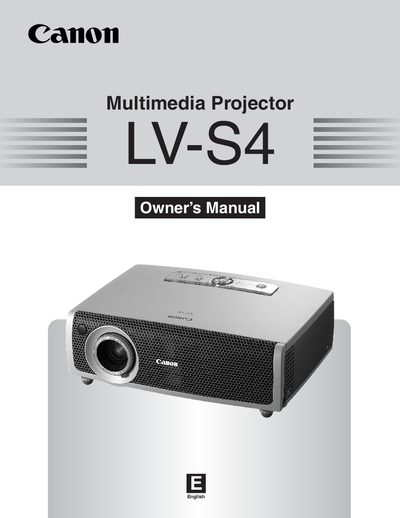
This manual covers the Canon LV‑S4 multimedia projector, a compact LCD‑based projector that supports a wide range of video and computer input signals. It explains the projector’s features, design, and specifications, and guides users through safe handling and installation.
Key sections include safety instructions, installation and positioning, basic operation (power, menu, keystone, zoom, focus), maintenance and cleaning, technical specifications, and a troubleshooting guide. The document also lists optional accessories and provides compatible computer specifications.
| Projector type | Multi‑media Projector |
|---|---|
| Dimensions (W × H × D) | 10.63" × 3.27" × 7.76" |
| Net weight | 5.1 lb (2.3 kg) |
| Panel resolution | 800 × 600 dots (LCD) |
| Projection lamp | 160 W UHP lamp |
| Throw distance | 4.3' ~ 21.3' (1.3 m ~ 6.5 m) |
| Power consumption | AC 100‑120 V, 3.6 A max, 50/60 Hz |
| Operating temperature | 41 °F ~ 95 °F (5 °C ~ 35 °C) |
When the lamp‑replace indicator turns yellow, the lamp has reached the end of its life and should be replaced according to the Lamp Replacement section.
Use the keystone adjustment function to correct distortion of the projected image, allowing flexible placement.