
This manual introduces the basic information of using the RE-455X Video Visualizer, including safety, warranty, usage, troubleshooting and other contents
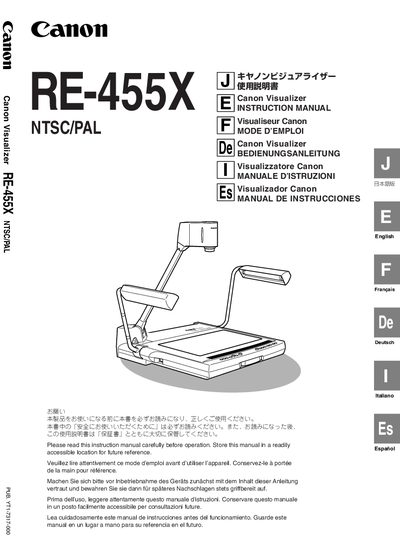
This manual explains how to safely install, operate, and maintain the Canon RE-455X Visualizer. It includes warnings, handling precautions, and guidance on proper storage and power use.
The device offers 12× electric zoom, auto‑focus, auto‑white‑balance, and multiple video outputs (RGB, S‑Video, NTSC/PAL). Connection methods, remote control commands, and troubleshooting steps are detailed, along with the main technical specifications. This manual is written in Japanese.
| Resolution | 1024 x 768 pixels |
|---|---|
| Zoom | 12x electric zoom |
| Lamp | Two 6W high‑frequency fluorescent lamps |
| Power Supply (US/Canada) | 100‑120V AC 50/60Hz |
| Power Supply (Europe) | 200‑240V AC 50/60Hz |
| Operating Dimensions | 722 x 525 x 556 mm |
| Weight | Approx. 9.4 kg |
| Input Connector | RGB (XGA) D‑SUB 15‑pin, 75Ω |
The RE-455X provides a 12× electric zoom with a preset zoom button.
It uses two 6 W high‑frequency fluorescent lamps for illumination.
The device can operate on 100‑120 V AC 50/60 Hz (US/Canada) or 200‑240 V AC 50/60 Hz (Europe).