
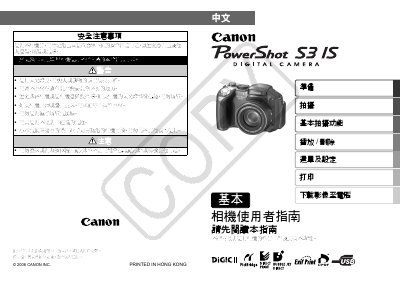
The manual begins with safety precautions, reminding users to keep the camera away from bright light, avoid impact, and use only the recommended batteries and accessories. It then explains how to install the AA NiMH batteries and an SD memory card, and how to format the card for use.
Subsequent sections cover first‑time setup such as setting the date, time, and language, operating the LCD screen, shooting still images, and transferring photos to a computer via USB. Additional information on DPOF (Digital Print Order Format) settings and image download options is also provided. This manual is written in Chinese.
| Memory card type | SD memory card |
|---|
Connect the camera to a PC with the supplied USB cable, run the provided software, and follow the on‑screen prompts to download the images.
DPOF (Digital Print Order Format) lets you set print options on the camera; enable DPOF in the menu and select the desired settings before transferring images.