
HP EVA3000/5000 User and Maintenance Guide, introduces the hardware components, system capacity, power on and off sequence, configuration management and maintenance of EVA3000/5000.
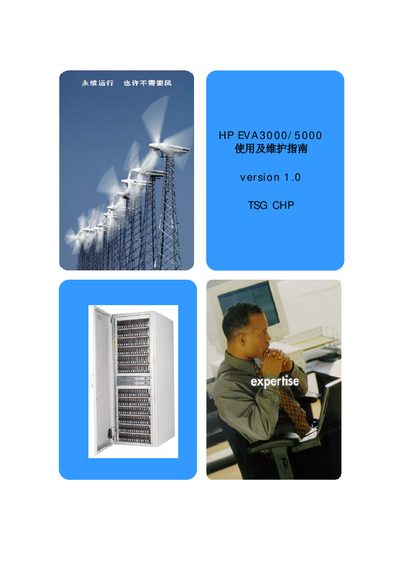
This manual covers the EVA3000/5000 hardware components, wiring diagrams, capacity options, and the correct power‑on/off procedures. It also details how to configure the system, create disk groups, manage hosts, and maintain the array.
Additional sections describe system status monitoring, log collection, backup of configuration data, and contact information for HP support, including the ISEE remote support tool. This manual is written in Chinese.
| Cabinet size | 22U or 41U |
|---|---|
| Controller cards | HSV100/HSV110, dual configuration |
| Loop switch requirement | Required for EVA5000 |
| SMA local disks | RAID1 (mirrored) |
1) Power on the cabinet main supply; 2) Power on the fibre‑channel switch and then the EVA cabinet; 3) Start the SMA; 4) After 10 minutes power on the controller cards; 5) After 3 minutes power on the host servers; 6) Start cluster services and applications.
Select the Initialize option in the management interface, enter the desired system name (e.g., EVA3000 or EVA5000), and confirm. Initialization will erase all data on the array.