
This document is an installation guide for HP LaserJet Pro CM1415fnw Color MFP. The guide provides information on the recommended installation location for the printer, as well as the product requirements such as power outlet, USB or network cable, telephone connection, and wireless router. It advises selecting a sturdy, well-ventilated, dust-free area away from direct sunlight for placing the printer.
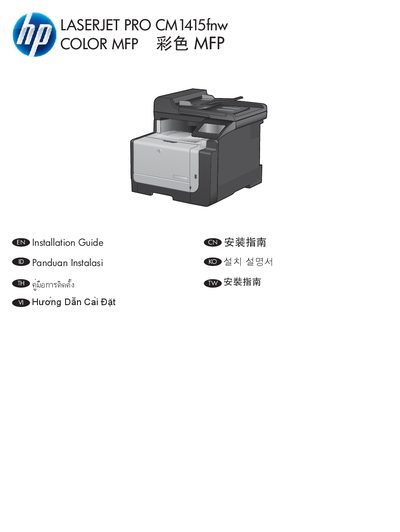
The Installation Guide provides step‑by‑step instructions for positioning the CM1415fnw in a stable, well‑ventilated, dust‑free area, connecting the power cord to a grounded AC outlet, and selecting language and location on the control panel. It also details the required power specifications and the use of the supplied power cord.
Further sections cover connecting the network (wired or wireless), setting up USB when prompted, testing the document feeder and copy function, and completing the setup with the supplied software CD. Registration information and safety notices are included at the end. This manual is written in Chinese.
| Dimensions (W x D x H) | 608 mm x 802 mm x 442 mm |
|---|---|
| Weight | 22.6 kg (49.8 lb) |
Do not connect the USB cable during initial power connection; wait until the installation software prompts you to do so.
Load a printed page face‑up into the document feeder, touch Copy, then touch Black on the control panel to start copying.