
The document describes the features and characteristics of the HP LaserJet Professional P1560 and P1600 printer series.
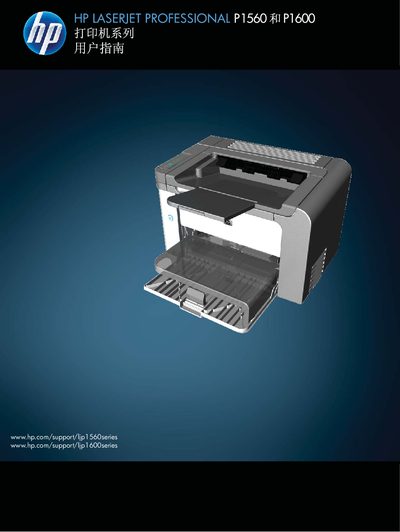
This manual covers everything needed to install and use the HP LaserJet Professional P1560 and P1600 series printers. It includes product comparisons, environmental features, detailed hardware views, and control‑panel layout, as well as software installation for Windows and macOS.
The guide also explains how to connect the printer via USB or network, select and load paper and media, manage print jobs, perform routine maintenance, replace consumables, and troubleshoot common issues such as paper jams and print quality problems. This manual is written in Chinese.
| Power consumption and electrical specifications | see manual |
|---|
Remove the old cartridge and install a new HP toner cartridge as described in the “更换打印碳粉盒” section.
Use the provided CD or download the driver from HP’s website, then follow the “选择用于 Windows 的正确打印机驱动程序” instructions.
The manual lists supported paper sizes in the “支持的纸张尺寸” section.