
Instruction manual for CASIO electronic dictionary EW-V3600L Ck
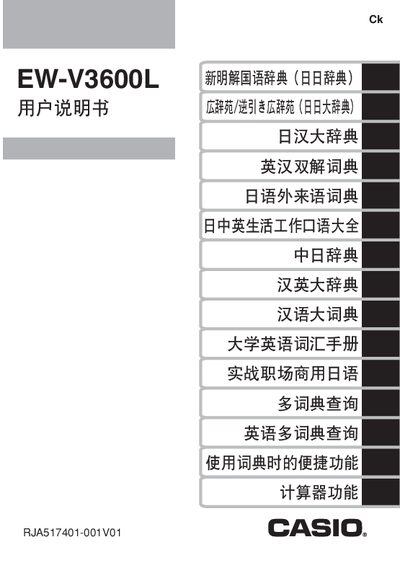
This manual explains how to install the two AAA alkaline batteries, adjust contrast, use the backlight, and operate the dictionary’s various input methods. It also covers connecting the device to a computer with the required TextLoader software and details warranty and service procedures.
Key features include a backlight that automatically turns off after about 30 seconds of inactivity, battery‑life guidelines for different usage modes, and step‑by‑step instructions for searching words, using the built‑in dictionary functions, and resetting the device. This manual is written in Chinese.
| Battery type | 2 x AAA alkaline batteries |
|---|---|
| Backlight auto‑off time | ≈30 seconds of inactivity |
| Battery life (backlight off) | ≈75 hours |
Install the TextLoader software on the computer first; then connect the device via USB. Connecting before installation can cause errors.