
This document is an introduction to the Casio EX-Z55 digital camera user manual, including product features, precautions, and basic operations.
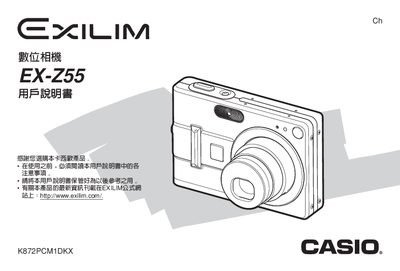
This manual covers everything you need to get started with the EX‑Z55, including unpacking, battery installation, basic camera operation, shooting modes, flash usage, and playback functions. It also explains how to configure language, date/time, and power settings, as well as how to use the USB base, AC adapter, and optional accessories.
Additional sections describe how to connect the camera to Windows or Macintosh computers, install the supplied software, manage files on memory cards, and use advanced features such as BESTSHOT, Business Shot, and PictBridge. The appendix provides detailed specifications, power requirements, and safety warnings. This manual is written in Chinese.
| Weight (without battery & accessories) | 130 g |
|---|---|
| Power output (adapter) | 5.3 V DC, 650 mA |
No, only the dedicated NP‑40 rechargeable battery may be used.
When power is completely cut off, the date and time settings are cleared and must be reconfigured.