
Instruction manual, introduces the watch's timing function and world time function, including time and date setting, summer time setting, etc.
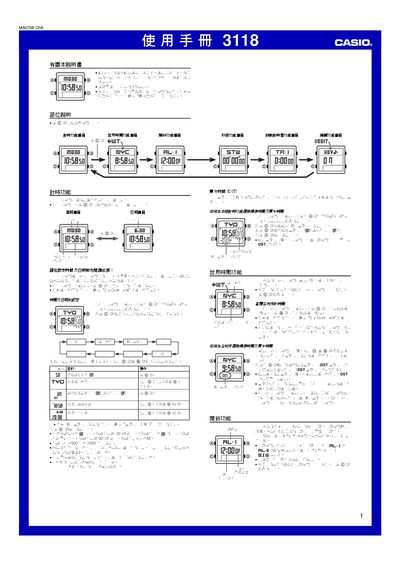
This manual provides step‑by‑step instructions for operating the Casio 3118 1MA0708‑ChA wristwatch. It covers setting the time and date, selecting the residence city, configuring daylight‑saving time, and using the world‑time function to view up to 48 cities.
Additional sections describe how to set and customize up to five daily alarms, use the stopwatch (up to 59 min 59.99 s), configure the three‑hour countdown timers with auto‑repeat, and adjust preferences such as 12/24‑hour format, button‑click sounds, and the 00‑second animation. This manual is written in Chinese.
| Year range for date setting | 2000‑2099 |
|---|---|
| Automatic calendar | Adjusts month length and leap years automatically |
| Stopwatch display limit | 59 min 59.99 s |
| Number of daily alarms | 5 |
| Alarm tone options | Three selectable tones (A, B, C) |
Press and hold the A button until the seconds flash, then use the C button to select the field and D/B to change the value; press A to exit.
Enter the Edit function, select the alarm tone option with D/B, and press A to toggle between tones A, B, and C.
In the Edit function, choose the 12/24‑hour setting and press A to toggle between 12 hour (with P indicator) and 24 hour mode.