
This manual introduces the different functions and operations of the watch, including timing function, world time function, daylight saving time settings, etc. The watch has two display styles: white background with black text and black background with white text.
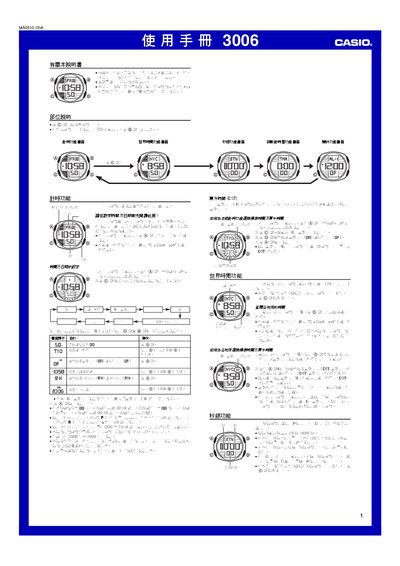
This manual describes the operation of the Casio 3006 watch. It covers the timer function for setting and viewing the current time and date, as well as the world‑time feature that lets you select from many cities and adjust for daylight‑saving time.
Instructions are provided for configuring alarms, lighting intervals, and other settings such as 12‑hour/24‑hour display, DST, and automatic calendar adjustments. A city code table is included for quick reference. This manual is written in Japanese.
| Year range for date setting | 2000‑2099 |
|---|---|
| Maximum timer value | 59 min 59.99 sec |
| Lighting duration options | 1.5 sec or 3 sec |
Use the timer function: press the @ key to start, then use the ⑥ key to select and adjust the time and date fields.
Enter the world‑time function, select the city, and enable the DST option, which advances the standard time by one hour.