
The DT-X10 User Manual of Visen handheld terminal introduces the use of the handheld terminal and precautions, including preparation work, using the input pen, handheld terminal system settings, overview, etc.
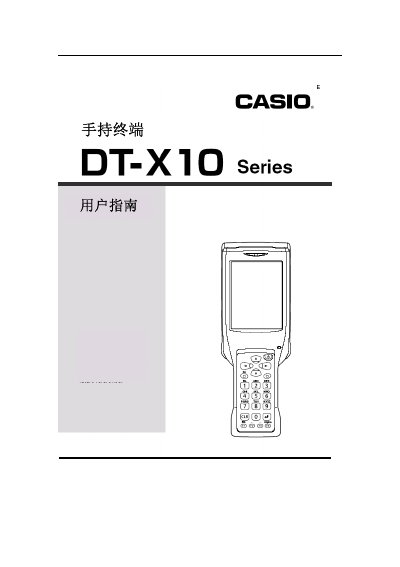
This manual explains how to prepare the DT‑X10 handheld terminal before first use, including checking the package contents, charging the battery, and installing the battery correctly. It also describes the optional accessories such as the CF‑card expansion unit, communication cables, and charging adapters.
The guide covers operation of the device, including using the input pen (tap, hold, drag), interpreting indicator lights, and managing rechargeable batteries. Detailed specifications for batteries and the CF‑card unit are provided, along with instructions for inserting and removing the CF card and battery covers. This manual is written in Chinese.
| DT-5023BAT capacity | 1550 mAh |
|---|---|
| DT-5023BAT dimensions | 37 mm × 57 mm × 13 mm |
| DT-5023BAT weight | 45 g |
| DT-5025LBAT capacity | 3400 mAh |
| DT-5025LBAT dimensions | 37 mm × 57 mm × 24 mm |
| DT-5025LBAT weight | 87 g |
| CF card standard cover dimensions | 70 mm × 78 mm × 13 mm |
| CF card standard cover weight | 40 g |
| CF card large cover dimensions | 85 mm × 78 mm × 13 mm |
| CF card large cover weight | 45 g |
Slide the battery lock to the "FREE" position, remove the battery cover, insert the battery with the correct orientation, then return the lock to "LOCK".
The second indicator light shows the charging status: red while charging, green when charging is complete.
Tap the screen once to click, hold the pen tip to keep it pressed, or drag the pen tip across the screen to write or move items.
Place the CF‑card cover back, secure it with the screw, then grip the edge of the card and pull it out.