
Instruction manual is the instruction manual of the watch
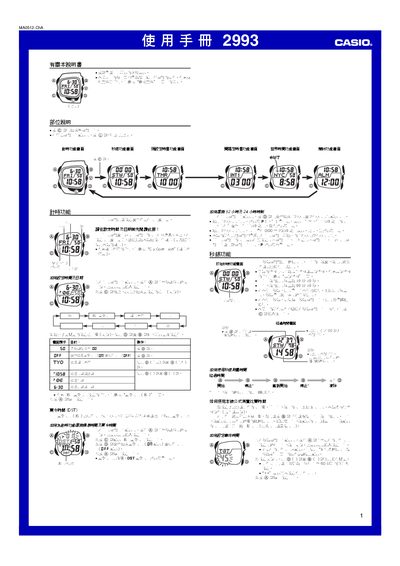
This manual covers all functions of the Casio 2993 watch, including time and date setting, world‑time display for 48 cities, multiple alarm types, preset and interval timers, a stopwatch, and lighting options such as manual and automatic EL illumination. Detailed button sequences are provided for each feature.
The watch uses an EL (electroluminescent) panel for back‑lighting, supports 12‑hour or 24‑hour display modes, and offers a vibration alarm that can replace audible alerts. Battery life considerations are noted, especially when the lighting or vibration functions are used frequently. This manual is written in Chinese.
| Year setting range | 2000–2099 |
|---|---|
| World time cities supported | 48 cities |
| Maximum interval timers | 9 |
| Stopwatch upper limit (upper screen) | 59 min 59 sec |
| Stopwatch upper limit (lower screen) | 99 min 59 sec |
| Display mode options | 12‑hour or 24‑hour |
| Back‑lighting type | EL (electroluminescent) panel |
Press and hold the @ button until the seconds digit flashes, then use the @ and @@ buttons to change the time and date values.
The watch allows up to nine start times to be programmed for interval timing.