
This is a user manual for a CASIO watch. It can be used to view the current time and date for the local city, configure the local city and daylight saving time (DST) settings, set the time and date, view the current pressure and temperature at the current location, view the current altitude at the current location, determine the height difference between two locations (the reference point and the current location), view the current time for one of 48 cities (in 31 time zones) around the world, use a stopwatch to measure elapsed time, use a countdown timer, and set alarm times.
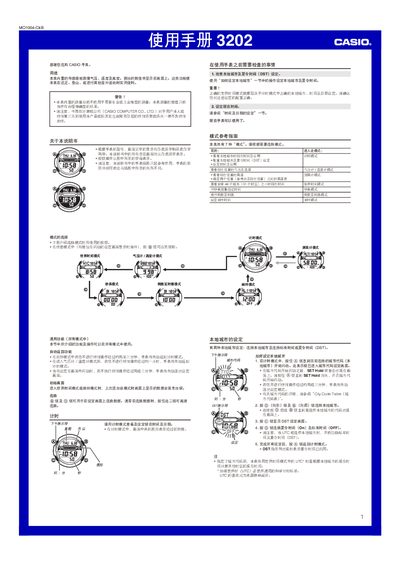
This watch combines a barometer, thermometer, altimeter, world‑time clock, stopwatch, countdown timer and multiple alarms in a single wrist‑mounted device. It is intended for outdoor activities such as hiking and climbing, providing approximate atmospheric pressure, temperature and altitude readings.
The guide walks you through setting the local city and DST, selecting and operating each mode, calibrating the sensors, adjusting alarms and lighting, and troubleshooting common issues such as sensor errors or low battery. This manual is written in Chinese.
| Barometric pressure range | 260–1,100 hPa (7.65–32.45 inHg) |
|---|---|
| Battery type | CR2016 |
| Battery life (typical) | ≈3 years under normal use |