
2902/2952 user manual introduces how to use the watch, including how to set time, date, alarm clock etc
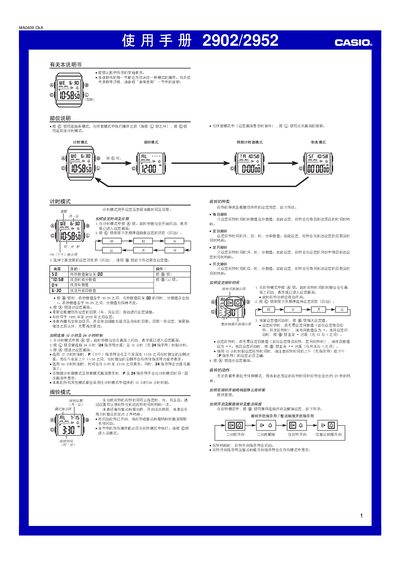
The manual covers the operation of the Casio 2902/2952 digital watch, including timekeeping, alarm settings, countdown timer, stopwatch, and illumination features. It provides step‑by‑step instructions for each mode and explains the automatic calendar and LED backlight.
Each mode—Timekeeping, Alarm, Countdown Timer, and Stopwatch—has its own setting procedure. The watch supports both 12‑hour and 24‑hour formats, automatic repeat for the countdown timer, and a maximum stopwatch display of 23 h 58 m 59 s. Lighting can be activated manually or automatically when alarms sound. This manual is written in Chinese.
| Year setting range | 1995‑2039 |
|---|---|
| Countdown timer range | 1 hour to 24 hours |
| Stopwatch display limit | 23 h 58 m 59 s |
| Display type | LED with light guide plate |
Press the “外” button; it toggles between 12‑hour mode (no 24‑hour indicator) and 24‑hour mode (24‑hour indicator appears).
Enable the auto‑repeat by pressing the “@” button; when the timer reaches zero it will automatically restart from the original set time.
The stopwatch can measure up to 23 hours 58 minutes 59 seconds before it rolls over to zero.