
This document is the user manual for HP Scanjet 4070 Photosmart scanner, which provides instructions on how to use the scanner, information about its components and accessories, overview of HP software, scanning process, printing copies and more. It also includes troubleshooting and customer support information.
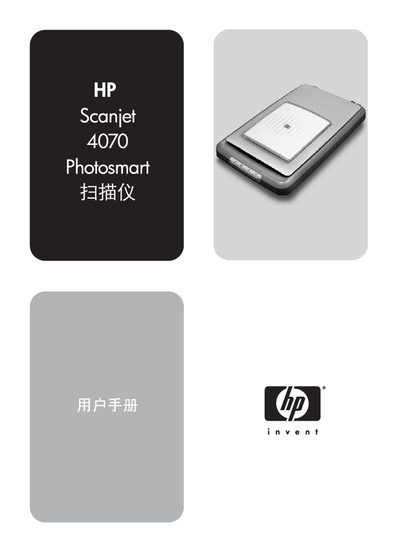
The HP Scanjet 4070 Photosmart is a flatbed scanner with a photo clip and a transparent material adapter (TMA) for 35 mm slides and negatives. It works with HP software such as HP Controller and HP Image Zone to scan photos, slides, negatives and documents, and to send images to printers or email.
The guide covers hardware components, software features, scanning procedures, settings adjustments, maintenance tips, troubleshooting steps and full technical specifications of the scanner and its optional accessories. This manual is written in Chinese.
| Scanner type | Flatbed |
|---|---|
| Weight (with TMA cover) | 3.29 kg (7.24 lb) |
| Maximum dimensions (with TMA cover) | 298 × 472 × 90 mm |
| Scan element | CCD (Charge‑Coupled Device) |
| Interface | USB 2.0 High Speed |
| Optical resolution | 2400 dpi |
| Selectable resolution range | 12 dpi – 999 999 dpi |
| AC line voltage (North America) | 100‑120 V 60 Hz |
| Power requirement (scanner output) | 12.0 VDC, 575 mA, 6.9 W |
The TMA accepts all standard 35 mm slide types, up to 3.2 mm thick, including types A, SB and LKM.