
The HP z600 workstation is HP's latest workstation, which adopts a new design, round shape, aluminum and magnesium brushed shell, tool-free chassis, integrated handle and cable hidden design, to bring new standards for easy use, noise reduction and energy saving.
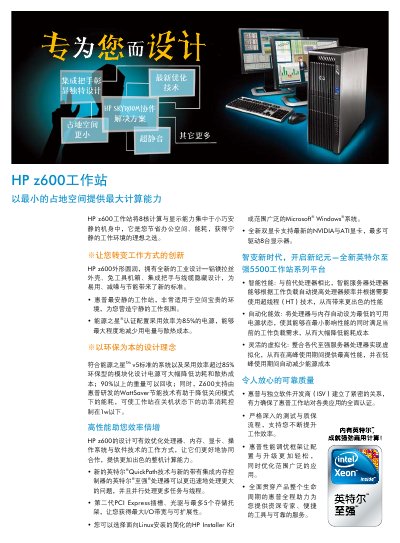
The HP Z600 workstation combines eight‑core processing power with a compact, quiet design. It features an aluminum‑magnesium brushed chassis, tool‑free case, integrated handles and hidden cabling for easy use, low noise and energy efficiency. The system meets Energy Star v5 standards and includes a modular power supply with over 85% efficiency.
The manual lists supported processors, memory configurations, storage options, graphics cards, networking, I/O ports, and security features. It also covers warranty terms, operating system options (Windows Vista Business and Linux via HP Installer Kit), and optional software such as HP Performance Tuning Framework and HP SkyRoom for remote collaboration. This manual is written in Chinese.
| Memory | DDR3 1333 MHz, up to 24 GB, 6‑channel |
|---|---|
| Power Supply | 650 W, 85% efficiency |
| Dimensions | 17.5 × 6.5 × 17.3 inches (44.51 × 16.53 × 44 cm) |
| Display Support | Up to 8 monitors |
A single HP Z600 workstation can drive up to eight displays.
The workstation comes with a three‑year next‑business‑day parts and labor warranty.
It uses a 650 W modular power supply with 85% efficiency.