
This manual is a user manual for the Casio EX-P600 digital camera. It mainly introduces the camera's unboxing, basic precautions, introductory guide, pre-preparation, basic image shooting, and other shooting functions.
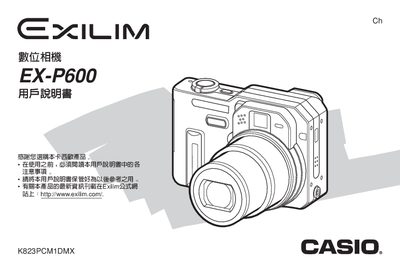
This guide covers everything needed to start using the Casio EX‑P600 digital camera, from unboxing and battery installation to configuring shooting modes, playback functions, and connecting to a computer. It includes step‑by‑step procedures for setting the date and time, adjusting focus, exposure, and white‑balance settings, as well as using the LCD menu and built‑in flash.
Additional sections explain how to charge the NP‑40 rechargeable battery, the required power input for the charger, and troubleshooting tips for common issues such as LCD pixel anomalies and power loss. Information on USB and PictBridge printing, memory card formatting, and software installation from the supplied CD‑ROM is also provided.
| Dimensions (camera body) | 97.5 mm × 67.3 mm × 43.1 mm |
|---|---|
| Weight (camera body, no battery) | ≈223 g |
| Battery type | NP‑40 rechargeable lithium‑ion |
| Battery capacity | 1230 mAh |
| Power input (charger) | 100‑240 V AC, 0.13 A, 50/60 Hz |
| Charger output | 4.2 V DC, 900 mA |
Open the battery compartment, insert the NP‑40 battery with the contacts aligned, then close the compartment. To remove, open the compartment and pull the battery out.
Connect the camera to a PC using the supplied USB cable. The camera will appear as a removable storage device, allowing you to transfer images or use PictBridge for direct printing.
Use the dedicated AC charger (BC‑30L) with an input of 100‑240 V AC, 0.13 A, 50/60 Hz, which supplies 4.2 V DC at 900 mA to charge the NP‑40 battery.