
This manual describes how to use the 5047/5050 watch, including how to use the stopwatch and set the date.
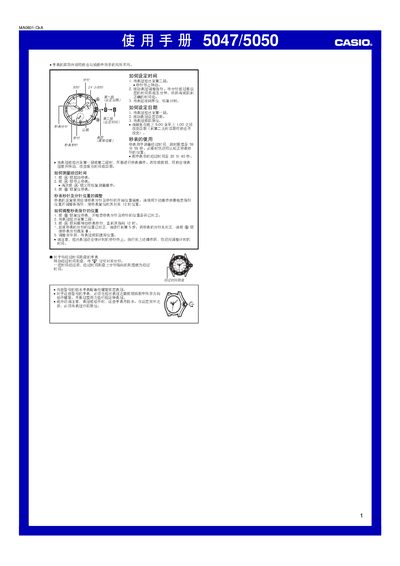
The guide describes the use of the elapsed‑time dial, how to operate the stopwatch, and how to adjust the stopwatch hands. It also explains crown handling, including the screw‑lock crown for water‑resistant models and the need to re‑tighten the crown after adjustments.
Instructions are provided for setting the time and date, with warnings about not changing the date between 9:00 PM and 1:00 AM. The manual includes step‑by‑step procedures for starting, stopping, and resetting the stopwatch, as well as for correcting hand positions if they drift. This manual is written in Chinese.
| Stopwatch measurement limit | 59 min 59 sec |
|---|---|
| Date change restriction | Avoid between 21:00 and 01:00 |
Press the A button to start the stopwatch, press A again to stop it, and press A once more to resume measurement.
Pull the crown out to the first position, turn it to change the date, then push the crown back to its normal position.
Do not change the date between 9:00 PM and 1:00 AM, as the date may not advance correctly.