
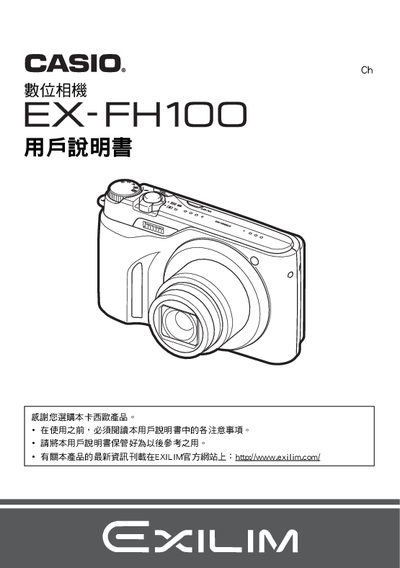
This manual covers safety precautions, package contents, and basic operation of the EX-FH100 digital camera, including power on/off, handling, and quick-start functions. It also explains how to format the internal memory, adjust image quality settings, and use various shooting modes.
Advanced sections describe battery and charger specifications, USB connection procedures, date/time configuration, and troubleshooting tips. The document includes detailed specifications for the NP-90 lithium‑ion battery and BC-90L charger, as well as guidance for using accessories such as Eye‑Fi and connecting to a computer. This manual is written in Japanese.
| Battery type | NP-90 lithium‑ion rechargeable |
|---|---|
| Battery rated voltage | 37 V |
| Battery capacity | 1950 mAh |
| Battery operating temperature | 0 °C to 40 °C |
| Battery dimensions | 34.0 mm × 52.3 mm × 10.9 mm |
| Battery weight | ≈ 42 g |
| Charger model | BC-90L |
| Charger input voltage | 100 V–240 V AC, 200 mA, 50/60 Hz |
| Charger output | 4.2 V DC, 1000 mA |
| Charging time | 200 min |
| Charger dimensions | 57 mm × 24 mm × 96 mm |
| Charger weight | ≈ 70 g |
Use the USB port and configure the USB protocol settings as described.
The camera uses an NP‑90 lithium‑ion rechargeable battery.
Access the date/time settings in the menu and select the desired format.