
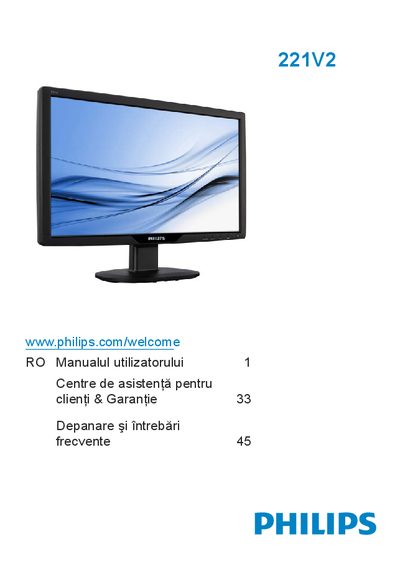
This manual covers important safety and maintenance measures, product disposal guidelines, and step‑by‑step installation of the Philips 221V2 LCD monitor. It also explains how to configure picture settings, use the OSD menu, and remove the monitor base.
Additional sections address common troubleshooting topics such as image persistence, recommended operating environment, and warranty information for the Philips 221V2 monitor.
| Native resolution | 1920x1080 @ 60 Hz |
|---|---|
| Operating temperature | 0‑40 °C (32‑95 °F) |
| Operating humidity | 20‑80 % RH |
| Power input | AC mains |
| Audio input | PC audio (optional) |
| Kensington lock port | Present |
| SmartContrast | On / Off |
| OSD language options | English, Español, Français, Deutsch, Italiano, Português, … |
Image persistence, also called burn‑in or ghost image, occurs when static images are displayed for a long time, causing a lingering picture on the screen.
Enable a moving screen saver when the monitor is unattended and avoid displaying static content for extended periods.
The monitor should be used in an environment with temperatures between 0 °C and 40 °C (32 °F‑95 °F).