
Spark is a portable multimedia player that can play music, audio books, pictures and radio. It can be updated and managed music and data via USB connection to a computer.
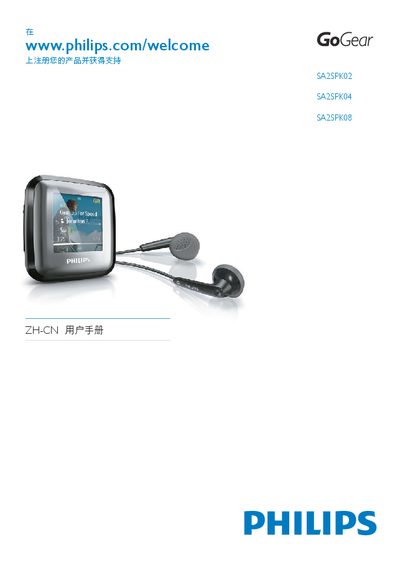
This manual introduces the Philips SPARK portable audio player, covering safety information, unpacking, and basic operation. It explains the device’s controls, menu navigation, and how to connect and charge the unit via USB.
Further sections describe the Philips Songbird software for firmware updates and media transfer, detailed media library management, audio playback features, and the technical data such as battery life, storage capacity, supported audio formats, and audio performance specifications. This manual is written in Chinese.
| Power source | 220 mAh lithium‑polymer built‑in rechargeable battery |
|---|---|
| Playback time (music) | 22 hours |
| Interface | 3.5 mm headphone jack, USB 2.0 High‑speed |
| Sound channel isolation | 45 dB |
| Frequency response | 80 – 18 000 Hz |
| Output power | 2 × 2.4 mW |
| Signal‑to‑noise ratio | > 84 dB |
| Supported audio formats | MP3, WAV, WMA, FLAC, APE |
| Storage capacity | 2 GB (SA2SPK02), 4 GB (SA2SPK04), 8 GB (SA2SPK08) |
Install the Philips Songbird software on a computer, then use it to download and install the latest firmware onto the SPARK.
The SPARK can play music for up to 22 hours on a fully charged battery.
Select the Format option in the Settings menu; confirming will erase all music and data and restore factory settings.