
Philips GoGear audio video player Quick start guide, Introduces how to install, connect, charge, transfer and enjoy music
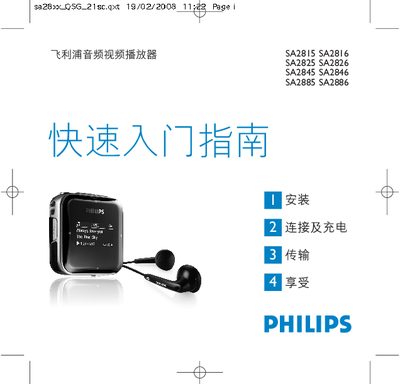
The guide provides step‑by‑step instructions for installing the device, connecting it to a PC via USB, and charging the built‑in battery. It explains how to transfer music files, use the main and navigation menus, and enjoy playback in music mode.
Additional sections cover the built‑in FM radio, recording functions, battery level indicators, and troubleshooting steps such as resetting the player or using the Philips Device Manager for repairs. This manual is written in Chinese.
| Charging time (full) | 4 hours |
|---|---|
| Charging time (80 % capacity) | 2 hours |
| First‑use charge recommendation | At least 5 hours |
| Computer requirements | Windows 2000/XP/Vista, 300 MHz Pentium, 128 MB RAM, 500 MB HDD, USB port, IE 6.0+ |
| Maximum stored radio stations | 20 |
Charge the player for at least 5 hours before first use; a full charge takes about 4 hours and reaches 80 % after 2 hours.
Insert a pin or similar object into the reset hole on the bottom of the player and hold until the power turns off.
The player can store up to 20 preset FM radio stations.