
The FP-8800K 24-pin wide-row push-type dot matrix printer is a printer produced by EPSON. It has a wide-row push-type paper feed mechanism, selectable paper type and thickness, adjustable paper feed mode, automatic paper jam, paper tilt and paper jam detection functions, 3 mode storage, serial port, parallel port and other features.
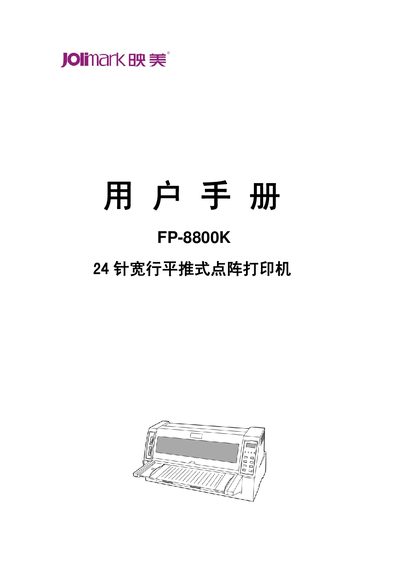
This document is the user manual for the EPSON FP-8800K, a 24-pin wide-form parallel dot matrix printer. It covers the printer's features, including compatibility with EPSON, IBM, and OKI products, and its ability to handle various paper types such as single sheets, passbooks, and multi-part continuous forms. The guide details the installation process, including the installation of the ribbon cartridge and paper feeders, as well as connecting the printer via parallel or serial interfaces. This manual is written in Chinese.
| Print Method | Dot matrix impact |
|---|---|
| Print Head | 24 pin |
| Maximum Columns | 136 columns |
| Print Speed (Super High Draft) | 600 CPS |
| Print Speed (High Draft) | 400 CPS |
| Print Speed (High) | 300 CPS |
| Print Speed (Letter) | 150 CPS |
| Input Buffer Size | 64 KB |
The printer can print on single sheets, passbooks, and continuous paper (1 to 7 parts carbon paper).
It is compatible with EPSON, IBM, and OKI printer products.
The printer offers both serial and parallel interface options.