
This is the user manual for the Jolimark FP-8700K high-speed receipt printer, covering installation, operation, settings, and troubleshooting.
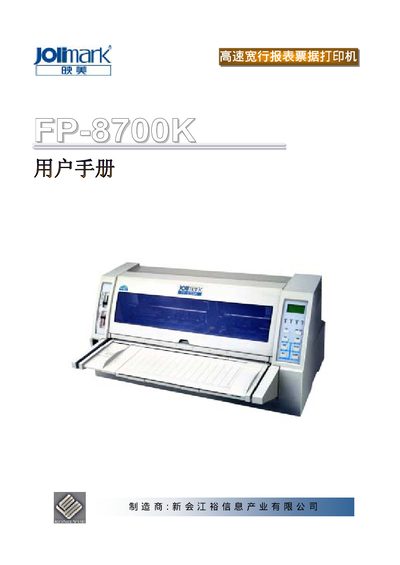
This manual provides instructions for the Jolimark FP-8700K high-speed receipt printer. It details the installation process, including unpacking, installing the ribbon and cutter, and connecting the power and data cables. The guide also explains how to operate the control panel and use the built-in menu system to configure print settings. This manual is written in Chinese.
| Print Speed | High-speed |
|---|---|
| Compatibility | Compatible with EPSON, IBM, OKI printers |
| Memory | 64KB |
The printer has four selectable modes: Slow, Normal, High Speed 1, and High Speed 2.
The printer is designed for high-speed, line-printing receipt printing.
There are four selectable print speeds: Slow, Normal, High Speed 1, and High Speed 2.
The default character height is set to Large (大小 1).