
This document is the user manual for TP-620 TP-620, which introduces the safety instructions, preparation work, paper installation, control panel, and other content of the product.
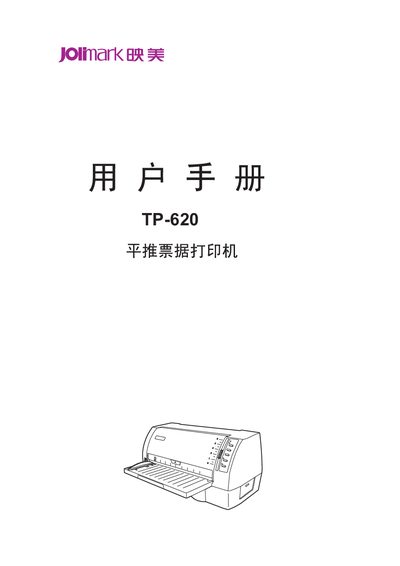
The manual begins with safety guidance, product features, and preparation work, emphasizing proper handling, ventilation, and electrical safety before operating the TP-620 printer. It also describes the printer's high‑resolution 360×360 DPI printing, built‑in GB18030 Chinese character set, and compatibility with common printer command sets.
Subsequent sections cover unpacking, installing the ribbon and paper (single‑page or continuous), connecting to a computer via USB or parallel interface, and detailed operation of the control panel. Appendices provide maintenance procedures, full technical specifications, and a comprehensive list of supported printer commands. This manual is written in Chinese.
| Printing method | 24‑needle dot matrix |
|---|---|
| Resolution | 360×360 DPI (max) |
| Print width | 80 columns (10 cpi) / 203.2 mm |
| Power consumption | Working power 30 W (max 60 W) |
| Dimensions | 320 mm × 411 mm × 192 mm |
| Weight | ≈ 5.7 kg |