
This manual describes the safety instructions for using the Jolimark LQ-350K printer, including pre-use precautions, installation, and maintenance.
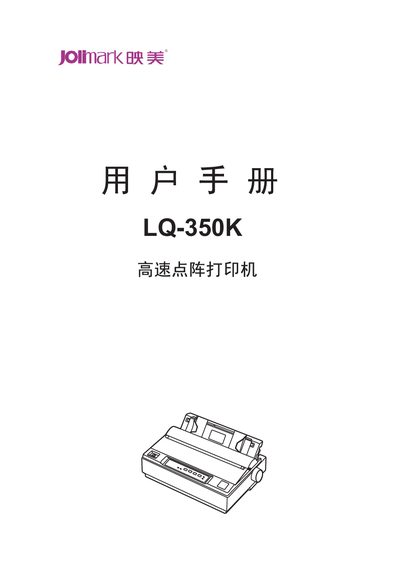
The Jolimark LQ-350K is a 24-pin, 80-column dot matrix printer designed for use in various industries such as taxation, postal services, telecommunications, and finance. It features compatibility with Epson ESC/PK2 commands and supports GB18030 Chinese character printing. The printer includes automatic interface selection for parallel, USB, and serial connections, as well as features like broken pin compensation and pin rotation printing to extend print head life. This manual is written in Chinese.
| Print Head | 24-pin |
|---|---|
| Columns | 80 columns |
| Interfaces | Parallel, USB, Serial |
| Command Compatibility | Epson ESC/PK2 |
The printer supports parallel, USB, and serial interfaces.
It is a 24-pin 80-column dot matrix printer.
Turn off the printer power.
It includes parallel, USB, and serial interfaces.