
This manual introduces the use of business projectors DX-400, DX-380, DX-300, DX-280, DS-250, mainly including safety instructions, lamp safety instructions, how to use the remote control, how to install and connect the projector, how to turn on and off the projector, how to use the screen and other contents.
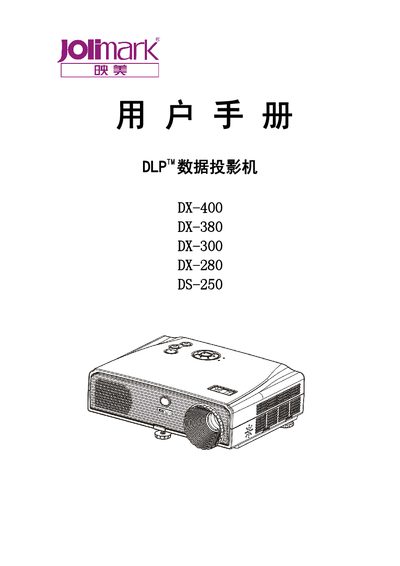
The Jolimark DX-400, DX-380, DX-300, DX-280, and DS-250 are high-quality DLP projectors featuring Zeiss optical systems and TI single-chip DLP technology. They support various screen ratios (4:3/16:9) and are compatible with NTSC, PAL, SECAM, and HDTV signals.
This manual provides detailed instructions on safe usage, connecting to various video sources such as VGA, DVI, and S-Video, adjusting image settings, and performing essential maintenance like replacing the lamp module. This manual is written in Chinese.
| Optical System | Zeiss |
|---|---|
| Technology | TI single-chip DLP |
| Screen Ratios | 4:3/16:9 |
| Compatible Signals | NTSC, PAL, SECAM, HDTV |
| Lamp Modules | JMSP010 (DS-250/DX-280/DX-300) or JMSP020 (DX-380/DX-400) |
Start the projector, enter the 'Advanced Settings' menu, select 'Lamp Timer Reset', and press the confirm button.
The DX-400 and DX-380 models are equipped with a DVI interface, while other models do not have one.