
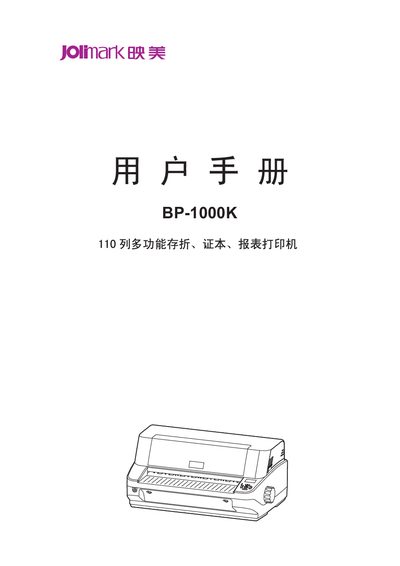
This manual covers essential safety precautions, unpacking, and installation of the BP-1000K printer, including positioning, power connection, and interface setup. Detailed instructions guide users through paper handling, control panel functions, and routine maintenance.
Technical specifications such as printing speed, resolution, supported interfaces, barcode types, and character sets are listed, along with troubleshooting tips for common issues. This manual is written in Chinese.
| Maximum paper thickness | 3 mm |
|---|---|
| Normal printing speed | 100 CPS at 10 CPI |
| High‑speed printing speed | 300 CPS at 10 CPI |
| Ultra‑high‑speed printing speed | 360 CPS at 10 CPI |
| Print resolution | 360 dpi (horizontal) × 360 dpi (vertical) |
| Supported interfaces | Parallel, USB, Serial |
| Built‑in barcode types | EAN‑13, EAN‑8, Interleaved 2of5, Matrix 2 of5, Industrial 2 of5, Code 39, Code 128 B/C, NW‑7 |
| Character set | GB18030 Chinese character library |
Read the manual carefully, avoid touching the hot print head, keep the printer away from liquids, and follow all warnings printed on the device.
The printer can automatically detect and print paper up to a maximum thickness of about 3 mm.
It can be equipped with a parallel port, USB port, or serial port, depending on the hardware configuration.