
The GSX-330K 24-pin dot matrix printer is a high-quality printer suitable for industry and office window printing needs. It features compatibility, fast printing, multiple font libraries, standard printing functions, automatic paper cutting function, etc. The installation of printing paper is also very convenient and flexible.
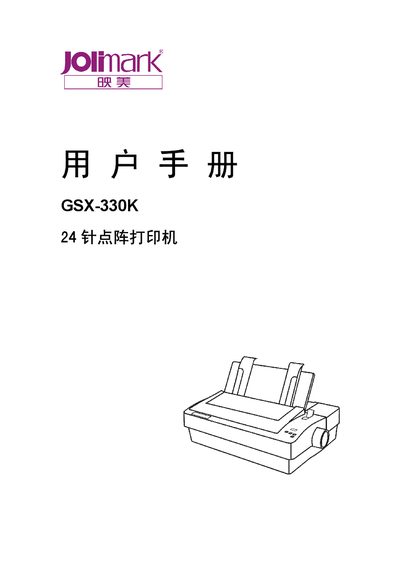
The GSX-330K is a 24‑pin dot matrix printer designed for office and industrial use. The manual begins with safety instructions, warning users about hot print heads, proper ventilation, and electrical safety.
It then covers unpacking, hardware installation, ribbon loading, paper handling, connection to a computer via parallel or RS‑232C interfaces, driver installation, control‑panel functions, and detailed technical specifications such as printing speed, noise level, and supported paper sizes. This manual is written in Chinese.
| Printing speed (Chinese) | 140 characters per second |
|---|---|
| Printing speed (English) | 280 characters per second |
| Printing noise | 46.5 dB |
| Maximum printable width | 8 inches |
| Supported paper thickness | up to 0.007 inch |
| Compatibility | Epson LQ series (ESC/PK2) |
The printer has a standard parallel interface and an RS‑232C serial interface; connect the appropriate cable and power on both devices.
Turn off the power, open the top cover, place the ribbon correctly, and tighten the ribbon knob until the ribbon is taut.
Move the paper‑thickness adjustment lever toward the front of the printer for paper thicker than 0.007 inch.