
LaCie Rugged USB 3.0 User Manual, introduces the product's features, how to connect, format, troubleshooting and other content
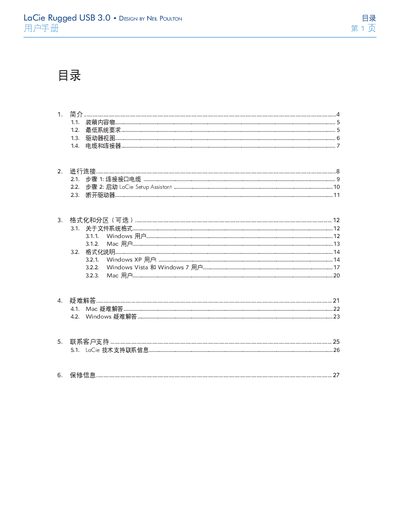
This manual guides you through connecting the LaCie Rugged USB 3.0 external hard drive, formatting and partitioning it for Windows or Mac, and troubleshooting common issues. It also includes safety precautions, power requirements, and environmental limits.
Key sections cover cable connections, the Setup Assistant, formatting instructions, FAQ links, customer support contacts, and warranty details. Follow the step‑by‑step instructions to ensure reliable operation of your rugged drive. This manual is written in Chinese.
| Power Input | 100‑240 V~, 4 A, 50‑60 Hz |
|---|---|
| Operating Humidity | 5 %–80 % non‑condensing |
| Interface | USB 3.0 (SuperSpeed) compatible with USB 2.0/1.1 |
| Cable Compatibility | USB 3.0 cable, also works with USB 2.0 and 1.1 |
Connect the USB cable to the drive (step 1) and then start the LaCie Setup Assistant (step 2) as described in the manual.
The drive requires a power input of 100‑240 V~, 4 A, at 50‑60 Hz.