
Key facts
- Brand
- YASKAWA
- Model
- H1000
- Industry
- Industrial
- Documents
- 4
- Languages
- ZH · JA
- Last added
- 2026-09-30
Start here
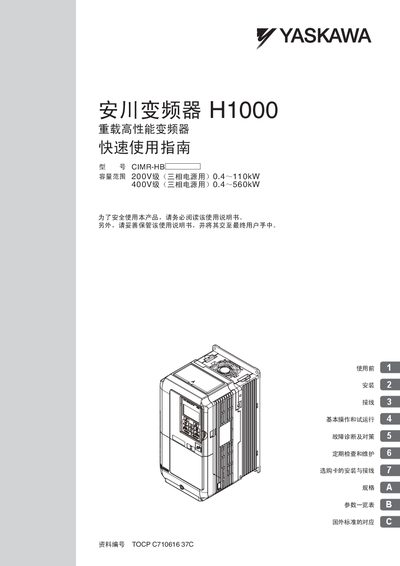
Yaskawa H1000 Inverter Quick Start Guide
The guide introduces safety precautions and general information before using the H1000 inverter, then details installation steps, cabinet design, wiring diagrams, and terminal connections. It also explains how to select the appropriate application mode, set motor parameters, and perform trial runs.
Later sections cover fault diagnosis, alarm functions, periodic inspection, maintenance procedures, optional card installation, and a comprehensive specification table. The document includes notes on compliance with international standards and UL/cUL requirements. This manual is written in Chinese.
Yaskawa H1000 specifications
| Capacity (200 V level) | 0.4–110 kW |
|---|---|
| Capacity (400 V level) | 0.4–560 kW |
| Maximum output frequency | 400 Hz |
| Short‑circuit current rating | < 100 000 A |
All Yaskawa H1000 documents by type
The shortest path to a working setup, usually only a few pages.
Day-to-day operation, settings and troubleshooting. Start here if the product is already set up.
Questions answered in these manuals
What safety step must be taken before wiring the inverter?
Ensure that the circuit breaker (MCCB) and contactor (MC) are OFF before any wiring to prevent electric shock.
How can the maximum output frequency be set safely?
The inverter’s maximum output frequency can be set up to 400 Hz; setting a higher value may cause the motor to overspeed dangerously.
What safety steps must be taken before wiring the inverter?
Ensure all power sources are disconnected, verify that circuit breakers and contactors are OFF, and avoid wiring while the inverter is energized to prevent electric shock.
How can the maximum output frequency be set?
The upper limit can be configured up to 400 Hz using the frequency limit setting function.
What is the software number for the crane-specific H1000 inverter?
The software number for the heavy-duty high-performance inverter H1000 (special specification type) with crane-specific software is VSA90950.
From: Yaskawa H1000 Heavy Duty High-Performance Inverter User Manual
Where can I find the operation instructions for the operator?
For details on how to use the operator and self-learning functions, you should refer to the H1000 Technical Manual.
From: Yaskawa H1000 Heavy Duty High-Performance Inverter User Manual