
Key facts
- Brand
- Siemens
- Model
- SL2 系列
- Industry
- Electronics
- Documents
- 3
- Languages
- ZH · EN
- Last added
- 2026-11-24
Start here
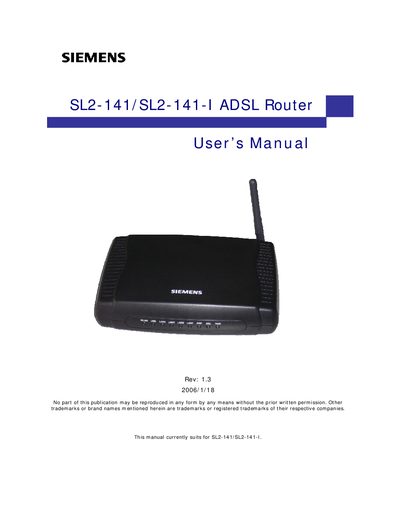
Siemens SL2-141/SL2-141-I ADSL Router User Manual
This manual covers safety precautions, system requirements, installation, and configuration for the Siemens SL2-141/SL2-141-I ADSL Router. It includes FCC compliance information, wiring diagrams, and detailed instructions for setting up the router on various Windows operating systems.
The document also explains web‑based management, advanced routing features, wireless security, and troubleshooting tips. Appendices provide server‑side setup for 801.x clients and disposal guidelines under the EU WEEE directive.
Siemens SL2 系列 specifications
| Light Pulse Duration | 20 milliseconds |
|---|---|
| Candela Settings | 15cd | 30cd | 75cd | 110cd | 135cd | 185cd |
| Operating Voltage | 12VDC or 24VDC |
| Mounting Type | Wall-mount |
| Regulatory Listings | UL1638 | UL1971 | UL464 | ULC-S525-16 | ULC-S526-16 | FM & CSFM Approved |
All Siemens SL2 系列 documents by type
Day-to-day operation, settings and troubleshooting. Start here if the product is already set up.
Questions answered in these manuals
What are the available candela settings for the SL2 series?
The SL2 series offers six field-selectable candela settings: 15cd, 30cd, 75cd, 110cd, 135cd, and 185cd.
What audio modes are available for the SL2 series?
The SL2 series supports three audible modes: Continuous, T3 (Code 3 Sync), and T3/T4 (Sync Selectable w/DSC).
What safety precautions should be taken when installing the router?
Use only the power source indicated on the label, use the supplied adapter, ensure proper ventilation, avoid moisture, and do not overload the wall outlet.
How can the router’s firmware be upgraded?
Firmware can be upgraded through HTTP, TFTP, or FTP using the boot loader’s web page.
What safety precautions should be taken when using the Siemens SL2-141 router?
Use only the specified power source and supplied adapter, keep ventilation openings clear, avoid moisture, and maintain at least 20 cm spacing from the antenna to the body.
How can I reduce radio interference caused by the router?
Reorient or relocate the receiving antenna, increase the separation between the router and the receiver, or plug the router into a different circuit.