
This document is the user manual for the SL2-141/SL2-141-I ADSL router, which introduces the installation, use and maintenance of the router.
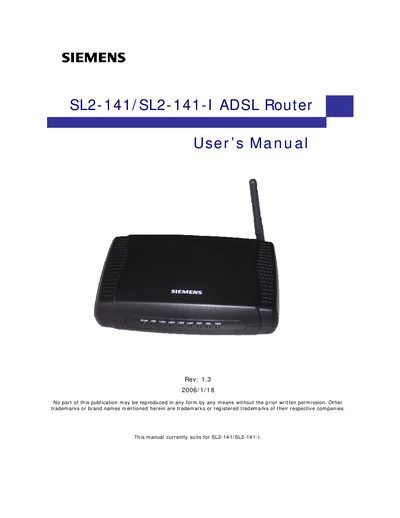
This manual covers safety precautions, system requirements, installation, and configuration for the Siemens SL2-141/SL2-141-I ADSL Router. It includes FCC compliance information, wiring diagrams, and detailed instructions for setting up the router on various Windows operating systems.
The document also explains web‑based management, advanced routing features, wireless security, and troubleshooting tips. Appendices provide server‑side setup for 801.x clients and disposal guidelines under the EU WEEE directive.
| Minimum antenna‑to‑body spacing | 20 cm |
|---|---|
| Power source requirement | Use only the type indicated on the marking labels |
| FCC compliance class | Class B |
| Power adapter | Only the supplied power adapter may be used |
Use only the specified power source and supplied adapter, keep ventilation openings clear, avoid moisture, and maintain at least 20 cm spacing from the antenna to the body.
Reorient or relocate the receiving antenna, increase the separation between the router and the receiver, or plug the router into a different circuit.
The manual provides driver installation steps for Windows 2000, Windows XP, Windows ME, Windows 98, and Windows NT.
The device complies with FCC Part 15 Class B requirements.