
Key facts
- Brand
- Sharp
- Model
- LC-45G1H
- Category
- Television
- Industry
- Appliances
- Documents
- 2
- Languages
- EN · ZH
- Last added
- 2011-11-12
Start here
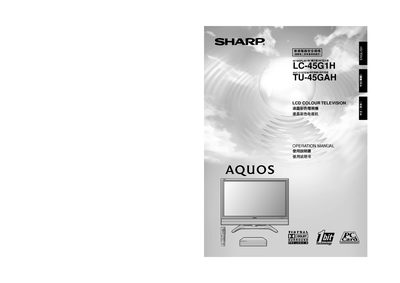
Sharp LC-45G1H/TU-45GAH LCD Colour Television Operation Manual
This manual begins with important safety precautions, covering electrical safety, proper ventilation, and handling of the LCD panel. It also lists the supplied accessories such as the AVC system, remote control, batteries, and system cable.
The guide then walks you through preparation, placement, and connection of the TV and AVC system, remote‑control usage, menu navigation, picture and audio settings, child‑lock configuration, and how to restore factory presets.
All Sharp LC-45G1H documents by type
Day-to-day operation, settings and troubleshooting. Start here if the product is already set up.
Questions answered in these manuals
How do I reset the TV to factory settings?
Turn off the display, press and hold the RESET button on the AVC System, then press POWER on the display to turn the system on.
From: Sharp LC-45G1H/TU-45GAH LCD Colour Television Operation Manual
How many batteries are required for the remote control?
Two AAA batteries are required.
From: Sharp LC-45G1H/TU-45GAH LCD Colour Television Operation Manual