
This document is an operation manual for an LCD color television, which includes information on system settings, remote control usage, basic connections, watching TV, and basic adjustment settings.
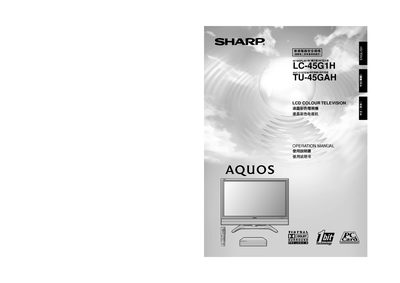
This manual begins with important safety precautions, covering electrical safety, proper ventilation, and handling of the LCD panel. It also lists the supplied accessories such as the AVC system, remote control, batteries, and system cable.
The guide then walks you through preparation, placement, and connection of the TV and AVC system, remote‑control usage, menu navigation, picture and audio settings, child‑lock configuration, and how to restore factory presets.
| Battery type | AAA (X2) |
|---|---|
| RS‑232C port | Present |
Turn off the display, press and hold the RESET button on the AVC System, then press POWER on the display to turn the system on.
Two AAA batteries are required.